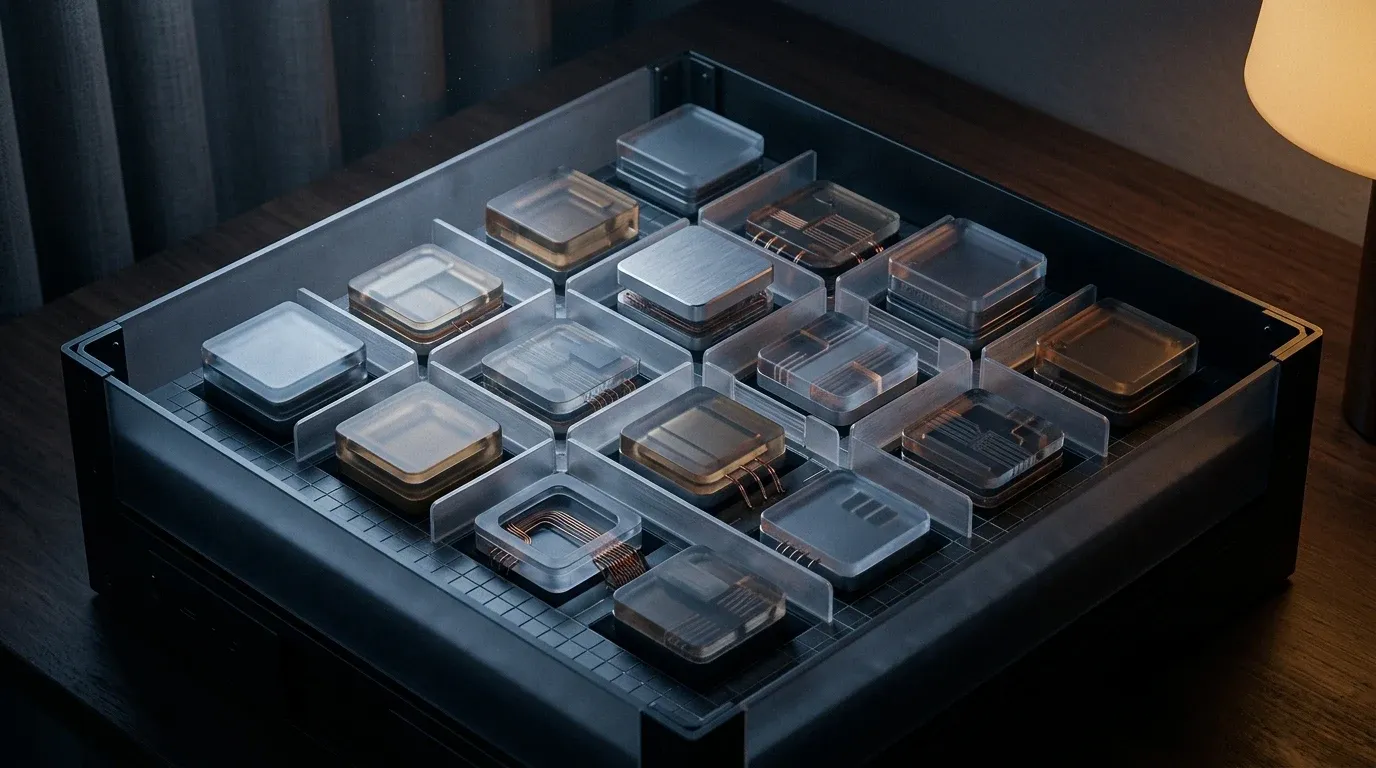
Homelab servers rarely have enough RAM. When administrators stack dense Proxmox virtual machines, Docker hosts, and large databases onto a single node, physical memory disappears fast. Instead of buying high-density DDR5 modules, administrators overcommit memory, relying on the Linux kernel to swap idle pages to disk.
The problem with traditional swapping is disk latency and write amplification. Continuous swap operations throttle overall system throughput and burn through flash endurance, even on high-end NVMe drives. Compressed virtual memory solves this. By compressing swap pages in RAM before they ever hit the disk, Linux drastically reduces I/O overhead.
A recent patch series added batched writeback I/O to Zswap. This update changes how the kernel handles swap eviction, making dense homelab virtualization much more efficient.
The Proxmox Memory Overcommit Zswap Equation
Homelab administrators frequently confuse Zswap and Zram. Both utilize CPU cycles to compress memory pages, but they serve different architectural roles.
Zram creates a virtual block device in RAM. Administrators initialize this block device, format it as swap space, and mount it. Zram operates without a physical backing disk. When the system swaps pages out, they go into the Zram block device. If the Zram pool fills to absolute capacity, the kernel has nowhere left to put memory. The Out-Of-Memory (OOM) killer process terminates applications to recover state. Zram works for single-purpose appliances or Raspberry Pi nodes where disk swapping destroys SD cards quickly. It falls short for heavy VM overcommit.
Zswap requires a physical swap partition or swapfile on a storage drive. It hooks into the kernel frontswap API, acting as an intercepting cache for that physical swap space. When the memory subsystem attempts to swap a page, Zswap intercepts the operation, compresses the page, and holds it in a dynamically allocated memory pool.
If the system experiences extreme memory pressure and the Zswap pool reaches its configured limit, it avoids an OOM condition. Instead, Zswap performs a Least Recently Used (LRU) eviction. It uncompresses the oldest, coldest pages in the pool and writes them out to the physical swap disk. This mechanism gives homelab servers a safety net. Systems gain the I/O reduction and speed of RAM compression alongside the overflow capacity of a physical storage drive.
The Zswap Batched Writeback I/O Upgrade
The eviction process, moving pages from the Zswap RAM pool to physical disk storage, historically presented a performance bottleneck. When the Zswap limit was hit, the kernel dumped pages to disk individually.
In October 2026, kernel developer Alexandre Ghiti posted a patch series that rewrote this behavior. The bottleneck originated from an earlier kernel commit (8f29aa226f82) that introduced struct swap_io_ctx. That prior commit allowed the standard memory reclaim process to merge swap writes of folios with consecutive slots into a single block I/O request. Zswap writeback missed out on this optimization. It continued issuing a single I/O operation for every individual entry.
The new patches implement batched writeback I/O. The first patch modifies the Zswap LRU walk to batch its writeback operations. The second patch plugs the walk, pausing the dispatch of these requests until the batch is complete. This allows the lower-level block layer to merge the operations into larger, contiguous writes.
For Proxmox hosts running dozens of idle VMs, this update reduces the CPU interrupt overhead generated during heavy swap events. In kernel compilation benchmarks, these patches yielded a 3 to 4 percent reduction in build times by alleviating I/O wait states. When a Proxmox node encounters a sudden memory spike and forces gigabytes of Zswap eviction, the storage controller receives a streamlined sequence of large writes instead of a storm of small, scattered blocks.
Configuring Zswap for Homelab Servers
Most Linux distributions ship with Zswap compiled into the kernel but disabled by default. Enabling it requires modifying the kernel boot parameters.
For a Proxmox node or a Debian-based Docker host, edit /etc/default/grub and append the required variables to the GRUB_CMDLINE_LINUX_DEFAULT string:
GRUB_CMDLINE_LINUX_DEFAULT="quiet zswap.enabled=1 zswap.compressor=zstd zswap.zpool=zsmalloc zswap.max_pool_percent=20"Apply the changes and reboot the server:
update-grub
reboot
These parameters define how the compression pool operates. The zswap.max_pool_percent=20 flag instructs the kernel to allocate up to 20 percent of total system RAM to Zswap. On a 64GB homelab server, this provides roughly 12.8GB to the compressed cache.
The zpool parameter determines the memory allocator. The default allocator on older kernels is zbud, which stores exactly two compressed pages per physical page, capping the compression ratio at 2:1. Changing this to zsmalloc allows the kernel to pack multiple compressed pages into a single physical page, drastically improving storage density for highly compressible VM memory.
The compressor parameter defines the algorithm. While lz4 prioritizes CPU speed, zstd provides a superior compression ratio. For background virtualization workloads where memory access is infrequent, zstd keeps more data off the physical disk.
Advanced Tuning: Shrinkers and Hysteresis
Administrators can adjust Zswap runtime behavior directly through sysfs without rebooting. Two parameters directly impact how a homelab server handles continuous memory pressure: the accept threshold and the shrinker.
When Zswap reaches the 20 percent pool limit, it begins evicting pages. If it immediately accepts new pages the moment space frees up, the system enters a thrashing state, constantly flipping pages in and out of the compression pool. To prevent this, Linux implements hysteresis via accept_threshold_percent.
# Refuse new pages until the pool drops to 90% of its maximum size
echo 90 > /sys/module/zswap/parameters/accept_threshold_percent
With this configured, once the pool hits 100 percent of its allowed size, Zswap rejects new swap attempts and sends them directly to the physical disk. It continues rejecting pages until evictions reduce the pool to 90 percent capacity. This buffer stops CPU thrashing during spikes.
By default, Zswap only evicts pages when it hits the maximum limit. If a Proxmox server has a large pool of cold, untouched memory residing in Zswap, administrators can enable the shrinker. This allows the memory management subsystem to proactively write cold pages back to disk, freeing up RAM before the limit is hit.
# Enable proactive cold page eviction
echo Y > /sys/module/zswap/parameters/shrinker_enabled
Managing Incompressible Pages and Cgroups
Virtual memory compression only works if the data is compressible. If a Docker container heavily processes encrypted data or media files, its memory pages fail to compress.
The Zswap subsystem calculates the compression ratio. If the algorithm yields a poor ratio, Zswap rejects the page and sends it straight to disk storage. Administrators can monitor these failures by checking the Zswap debug counters.
# View Zswap performance metrics
grep -r . /sys/kernel/debug/zswap/
Watch the reject_compress_poor and reject_compress_fail counters. A rapid increase indicates that the workloads are primarily incompressible.
For homelab environments running containerized workloads, Linux allows disabling Zswap writeback on a per-cgroup basis. If a specific Docker container holds data that should never be written to disk for security reasons, or writes data that constantly thrashes the swap file, administrators can disable writeback for that specific cgroup:
# Disable writeback for a specific container's cgroup
echo 0 > /sys/fs/cgroup/system.slice/docker-a1b2c3d4.scope/memory.zswap.writeback
This configuration ensures the container memory pages remain in RAM or the Zswap pool, but never touch the physical SSD. This extends the lifespan of flash storage while forcing strict memory limits on specific applications.
[discussion]
Comments are powered by Giscus — backed by GitHub Discussions. Sign in with GitHub to join the conversation.