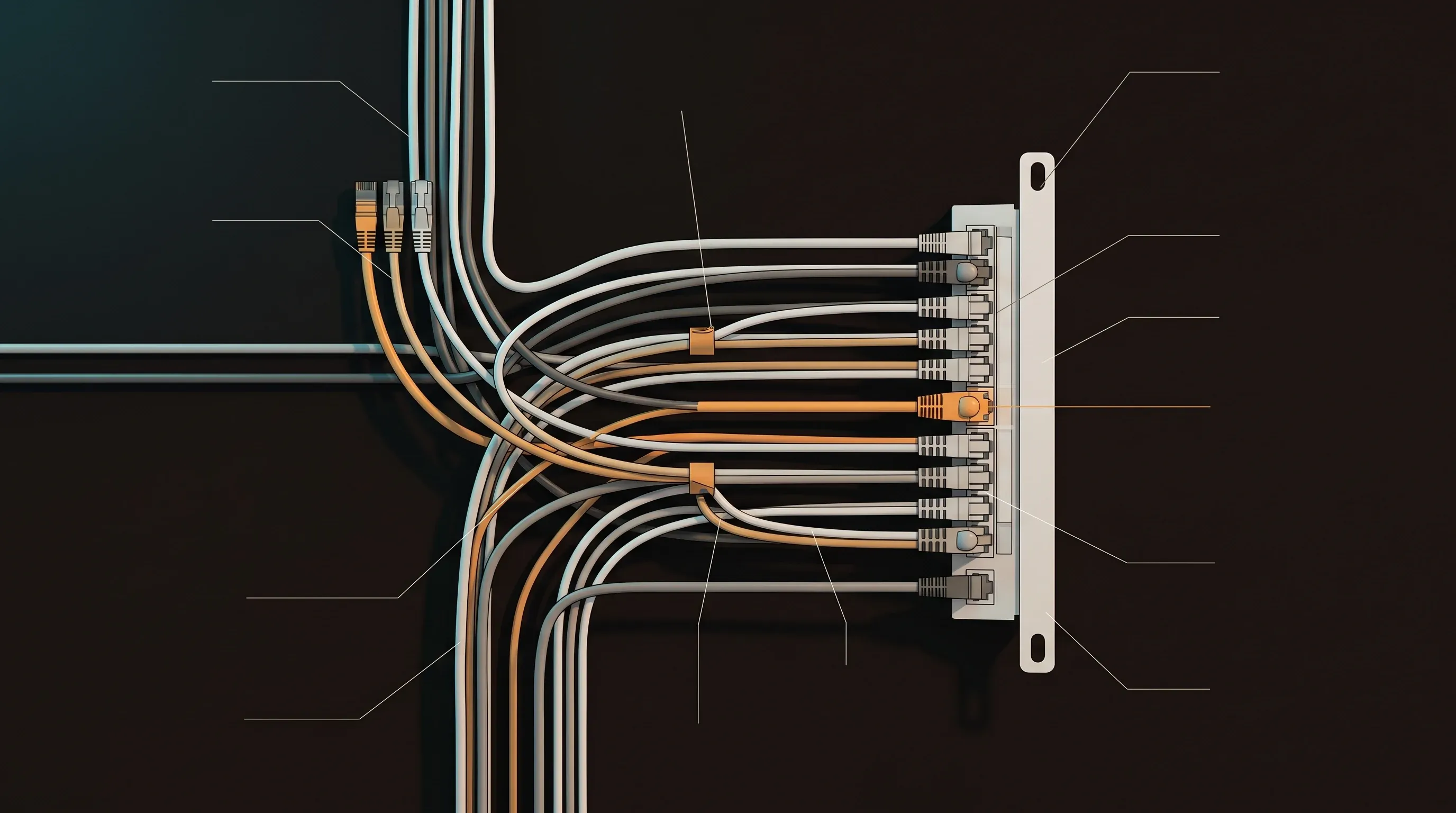
Gigabit Ethernet stopped being the bottleneck in the datacenter years ago. In the homelab, it’s still quietly throttling your NFS mounts, your VM live migrations, and your backups — not because 10GbE hardware is expensive anymore, but because getting it into a small-form-factor node has always been awkward. A new wave of compact USB 10GbE adapters changes that calculus. They’re small, they’re cheap, and Linux support is finally solid.
Here’s how to actually put them to work.
What’s Available Right Now
As of early 2026, the market has consolidated around a few chipsets. The most common in budget adapters (typically $40–$70 USD) are:
- Realtek RTL8156BG — the workhorse, broadly supported
- AQtion AQC111U — slightly better performance ceiling, patchier driver history
- Marvell AQtion variants appearing in newer OEM designs
Jeff Geerling’s hands-on coverage of the newest batch of adapters confirms they run cooler and smaller than earlier generations, which matters when you’re stuffing them into a rack shelf alongside four other mini PCs.
For Linux homelabs, stick to RTL8156-based adapters unless you enjoy patching out-of-tree drivers. Brands shipping these include ASUS, UGREEN, and several no-name options on the usual import sites.
Linux Driver Support
The RTL8156 family is handled by the r8152 kernel module. Check what you have loaded:
lsmod | grep r8152On Ubuntu 22.04/24.04 and Proxmox 8.x, the module loads automatically on plug-in. Verify the adapter was recognized:
dmesg | grep -i "r8152\|usb 10g\|RTL8156"
ip link show
You should see a new interface — usually enx<mac> or eth1 depending on your udev rules. If nothing shows up, install the firmware package:
# Debian/Ubuntu/Proxmox
sudo apt update && sudo apt install firmware-realtek
For AQC111U adapters, the driver is aqc111 and has been mainlined since kernel 5.3, but firmware files are separate:
sudo apt install firmware-misc-nonfreeAfter installing firmware, unplug and replug the adapter. No reboot required.
Configuring a Static IP on Proxmox
On Proxmox, you’ll want to either bridge the USB adapter or assign it directly to a VM/container. For a host-level static IP, edit /etc/network/interfaces:
auto enx001122334455
iface enx001122334455 inet static
    address 10.0.10.5/24
    gateway 10.0.10.1
Then bring it up:
ifup enx001122334455To create a Linux bridge on top of it for VM passthrough:
auto vmbr1
iface vmbr1 inet static
    address 10.0.10.5/24
    gateway 10.0.10.1
    bridge-ports enx001122334455
    bridge-stp off
    bridge-fd 0
Restart networking or reboot the node. VMs can now be assigned vmbr1 as a second NIC on your 10GbE segment.
Real-World Throughput Testing
Before trusting it with production workloads, benchmark it. iperf3 is the fastest sanity check:
# On the receiving machine
iperf3 -s

# On the sending machine
iperf3 -c 10.0.10.5 -t 30 -P 4
Typical results on a Proxmox 8.2 host with an RTL8156BG adapter over USB 3.2 Gen 2:
| Test | Result |
|---|---|
| iperf3 single stream | ~6.2 Gbps |
| iperf3 4 parallel streams | ~8.8 Gbps |
| NFS sequential read (dd) | ~780 MB/s |
| SMB read (Windows client) | ~720 MB/s |
| Proxmox VM live migration | ~3.2 min for 32GB RAM VM |
That NFS number alone justifies the upgrade. On gigabit, the same NFS read caps at ~112 MB/s.
Setting Up a Fast NFS Share
Once your 10GbE interface is up, here’s a minimal NFS server setup on the Proxmox/Ubuntu host to serve VM storage or bulk data:
sudo apt install nfs-kernel-server

# Create export directory
sudo mkdir -p /data/nfs-fast
sudo chown nobody:nogroup /data/nfs-fast

# Add to /etc/exports
echo '/data/nfs-fast 10.0.10.0/24(rw,sync,no_subtree_check,no_root_squash)' \
  | sudo tee -a /etc/exports

sudo exportfs -ra
sudo systemctl restart nfs-kernel-server
On the client side, mount with options tuned for high throughput:
sudo mount -t nfs -o rw,hard,intr,rsize=1048576,wsize=1048576,async \
  10.0.10.5:/data/nfs-fast /mnt/fast-nfs
For a persistent Docker-based NFS client that other containers can use, a compose snippet:
services:
  app:
    image: your-app:latest
    volumes:
      - nfs-data:/app/data

volumes:
  nfs-data:
    driver: local
    driver_opts:
      type: nfs
      o: "addr=10.0.10.5,rw,hard,intr,rsize=1048576,wsize=1048576,nfsvers=4"
      device: ":/data/nfs-fast"
USB 10GbE vs PCIe: Honest Comparison
USB adapters aren’t the right tool for every node. Here’s where each makes sense:
Go USB when:
- Your node is a mini PC, NUC, or Raspberry Pi — no PCIe slot available
- You need temporary 10GbE for a backup run or migration
- You’re testing whether 10GbE even helps your workload before committing to a PCIe upgrade
- Budget is tight and you need multiple nodes upgraded at once
Go PCIe when:
- The node is a full ATX/mATX server with an open slot
- You need consistent sub-millisecond latency (USB adds CPU interrupt overhead)
- You’re running SR-IOV or need the NIC directly attached to a VM via PCIe passthrough
- The workload is storage-intensive 24/7 (USB adapters get warm under sustained load)
PCIe 10GbE cards have dropped to $30–$50 for used Intel X550-T1 or Mellanox ConnectX-3 cards on eBay. If you have the slot, use it. But for a shelf of five NUCs serving as Proxmox nodes, five USB adapters at $50 each beats the alternative of buying five new machines with PCIe slots.
Thermal Considerations
The new generation of adapters runs meaningfully cooler than the 2023/2024 crop — but “cooler” is relative. Under sustained 10GbE load, expect the adapter body to reach 45–55°C. In an enclosed rack shelf with poor airflow, that’s worth monitoring.
If you’re running constant high-throughput workloads, add a small fan or ensure the adapter has airflow. For burst workloads — backups, migrations, occasional large transfers — thermal throttling is not a practical concern.
Recommended hardware
The gear I run for this (affiliate links — they help fund the site at no extra cost to you):
What’s Next
- Proxmox VE Homelab Setup: Complete Installation and Configuration Guide (2026) — Segment your homelab network with VLANs on Proxmox bridges
- Stratis Storage on Linux: ZFS-Like Features Without the Complexity — NFS vs iSCSI for Proxmox VM storage: benchmarks and tradeoffs
- Best Mini PC for a Homelab Server in 2026: Tested & Ranked — Building a Proxmox cluster from mini PCs on a budget
- Grafana + Prometheus Homelab Monitoring: Full Stack Setup in 30 Minutes — Monitor network throughput and host metrics with Prometheus and Grafana
[discussion]
Comments are powered by Giscus — backed by GitHub Discussions. Sign in with GitHub to join the conversation.